 JobberOn
Attendance & corrections
Review team attendance on a calendar and correct or edit any punch.
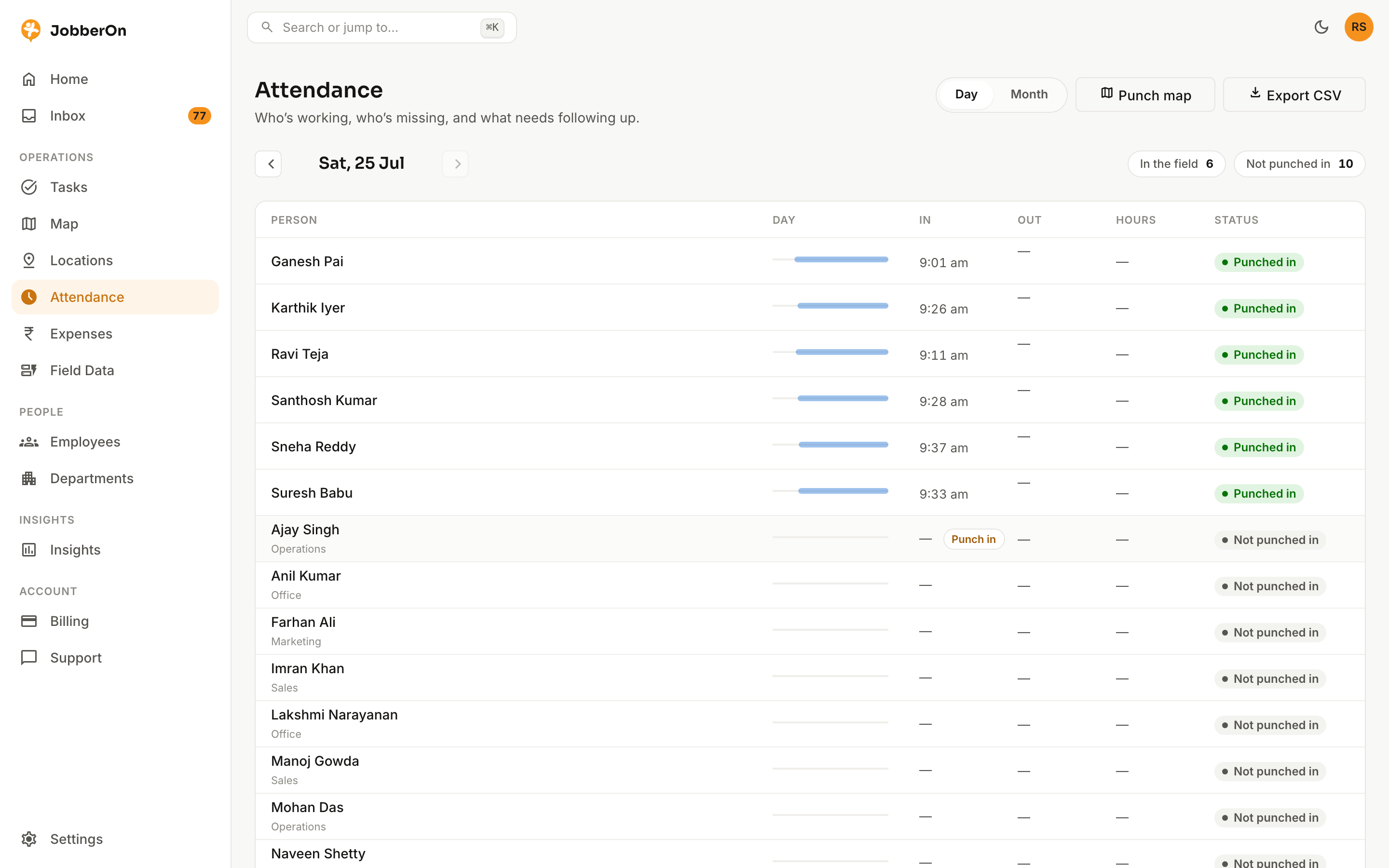
Attendance shows the whole team’s month on a calendar. Open any day to see punch-in/out times, GPS and selfies, and correct a missed punch or edit a record when needed.
How to use it
- 1Open Attendance from the left nav.
- 2View the team month calendar.
- 3Click a person’s day cell to open the record.
- 4Use “Correct attendance” or “Edit attendance” to fix a punch.
- 5Save — corrections are logged with who changed what.
What you can do
- Team month calendar.
- Correct an incomplete day with a mandatory note.
- Back-office edit of any day’s punch times.
- Company-timezone day boundaries.
- View the punch-in/out selfie and GPS behind any record.