 JobberOn
Sign in to the web console
Company admins and managers sign in to the console with email and password.
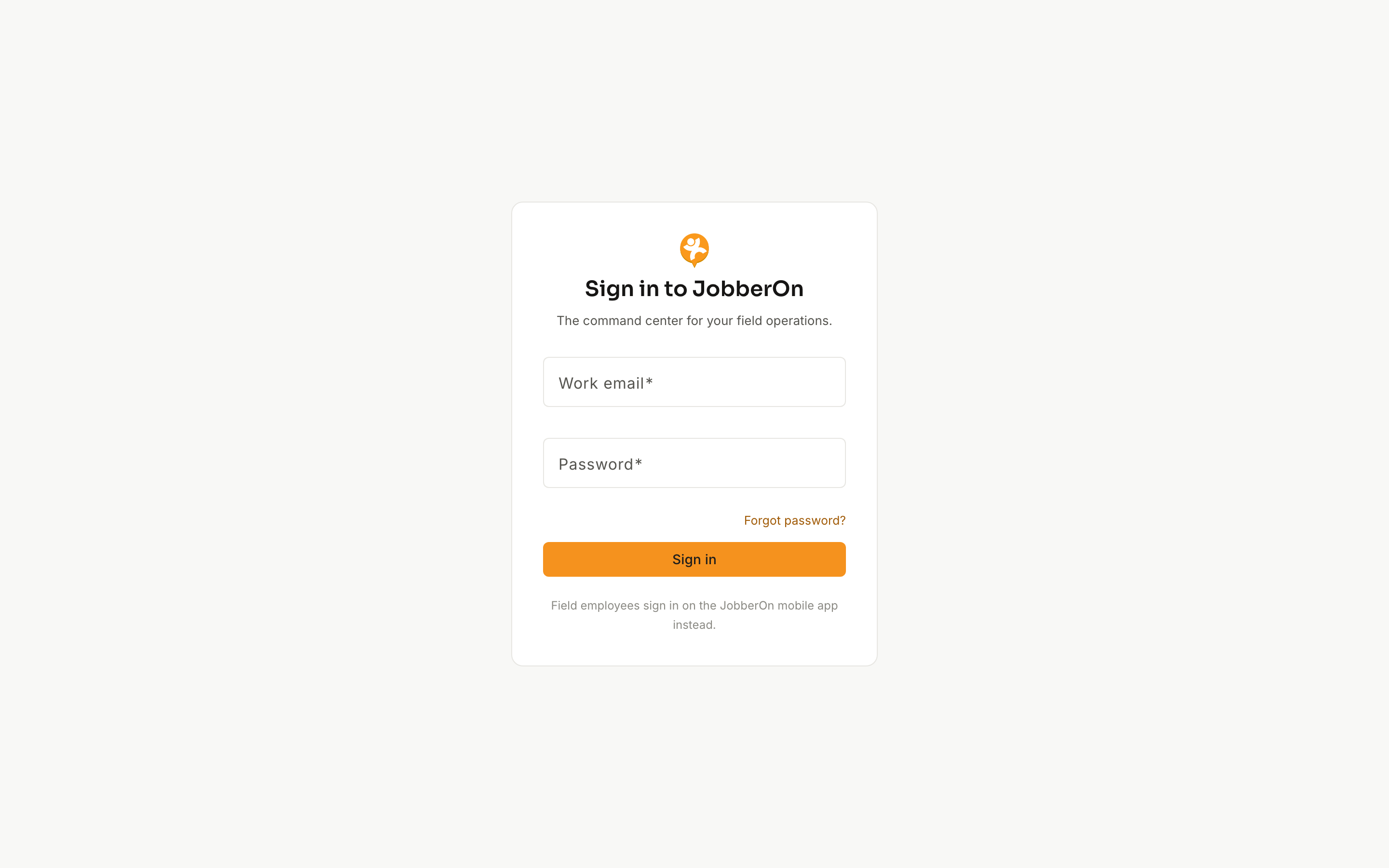
The web console is where admins and managers run operations. Sign in with the same email and password you use everywhere on JobberOn.
How to use it
- 1Go to your console URL (app.jobberon.com).
- 2Enter your email and password.
- 3If two-factor is enabled for your account, enter the 6-digit code we email you.
- 4You land on Home (or the Inbox, if items are waiting).
What you can do
- Email + password sign-in.
- Optional email one-time-passcode (2FA) for extra security.
- Field-worker accounts are guided to the mobile app instead.