 JobberOn
Live Map
A map of your field team’s last verified positions and your site geofences.
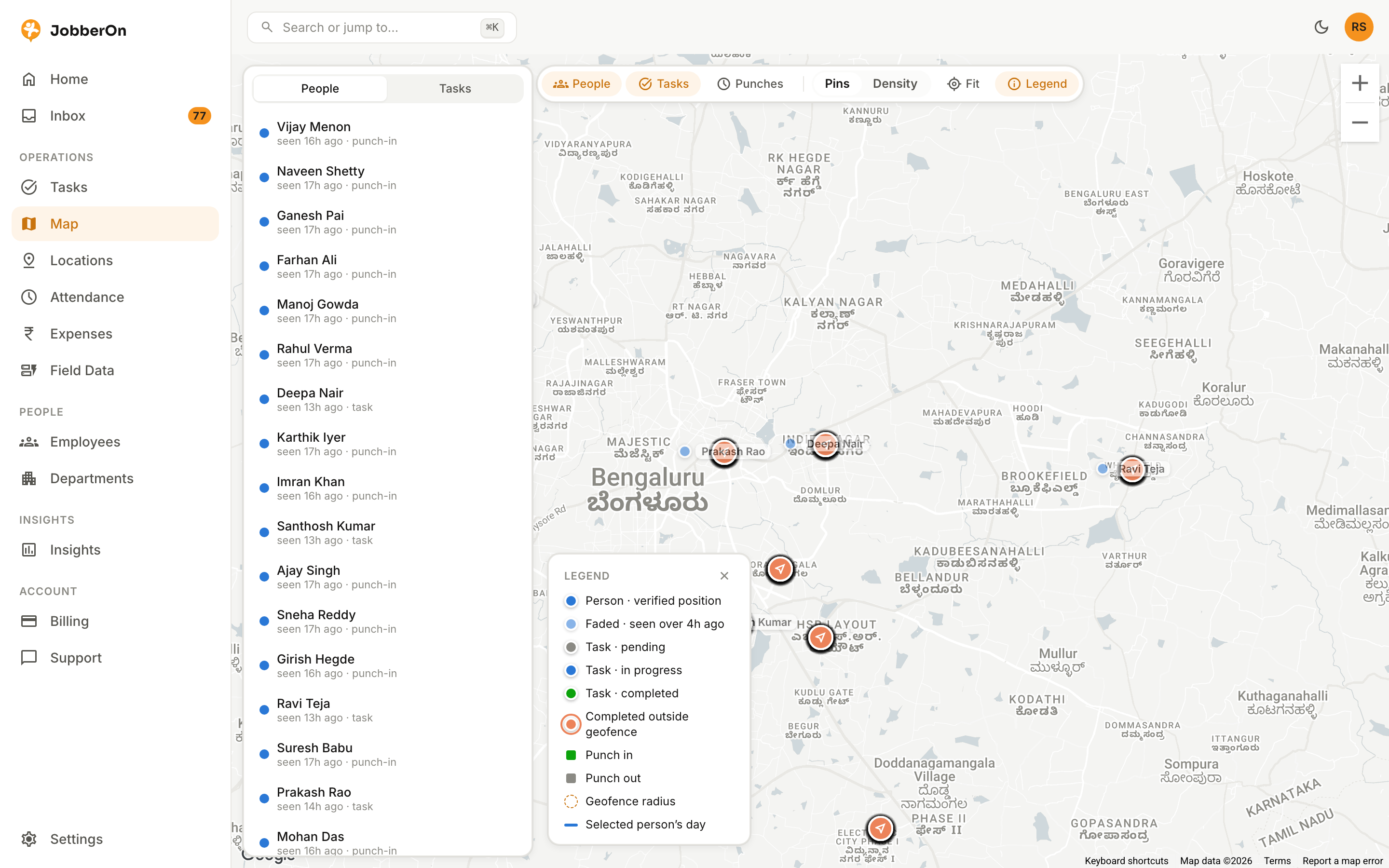
The Live Map shows where your team was last verified — from punches and task completions — against your saved sites. It’s a snapshot of verified positions, not covert live tracking.
How to use it
- 1Open Map from the left nav.
- 2See pins for each person’s last verified position.
- 3Tap a pin for person and task detail.
- 4Cross-reference against your saved-site geofences.
What you can do
- Verified-position pins per person.
- Saved-site overlays.
- Tap-through to person and task detail.