 JobberOn
Reset a forgotten password
Request a secure reset link and set a new password — from the web or either app.
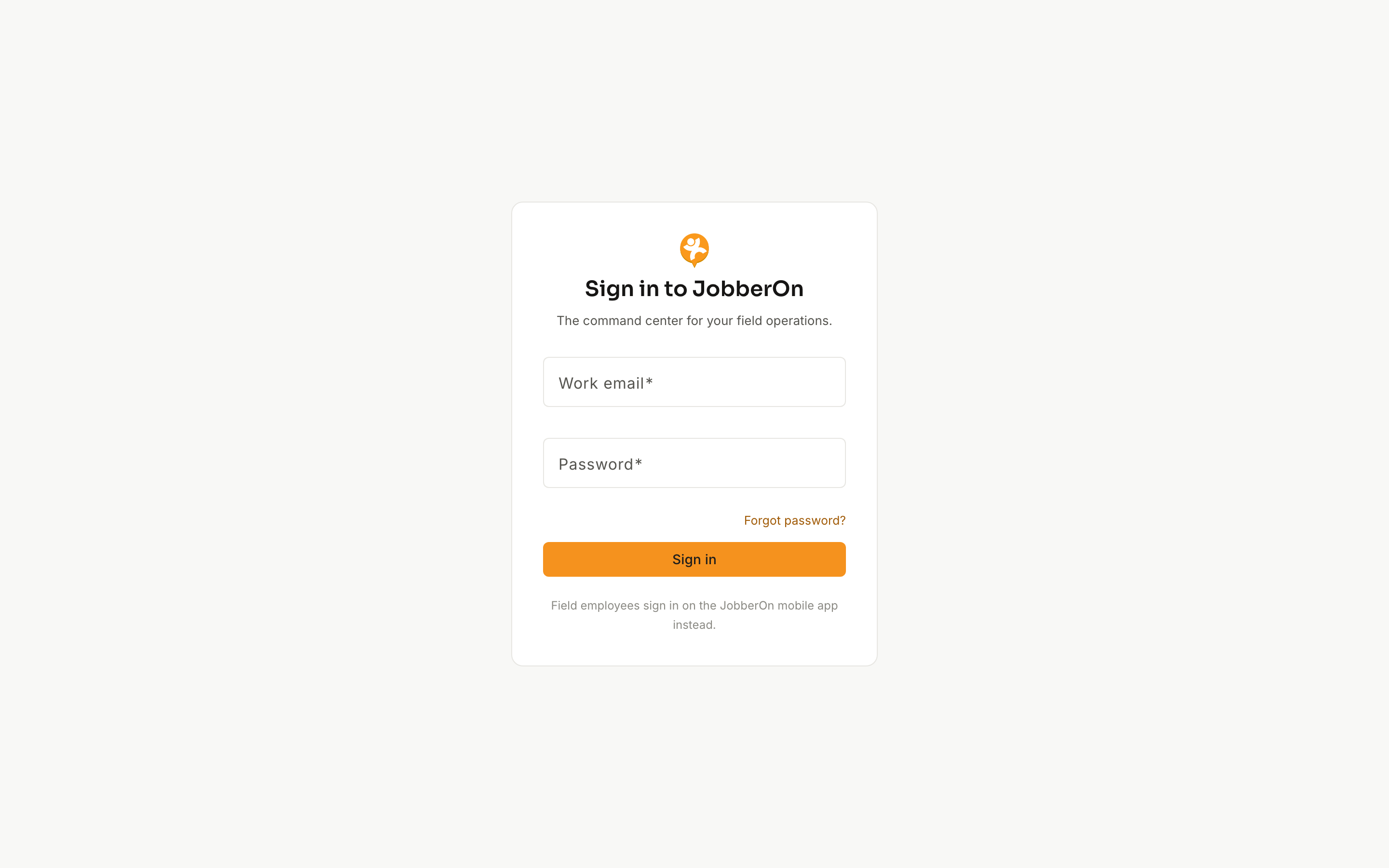
If you forget your password, you can reset it yourself. The apps trigger the reset email; you finish setting the new password in your browser.
How to use it
- 1On the sign-in screen, click “Forgot password”.
- 2Enter your account email and submit.
- 3Check your inbox for the reset link (valid for 24 hours).
- 4Open the link and set a new password.
- 5Sign back in with your new password.
What you can do
- Works from the console and both mobile apps.
- The same link is used to set a password for a newly-invited employee.
- Privacy-safe: the confirmation looks identical whether or not the email exists.