 JobberOn
Custom forms & field dataAdmin only
Build your own forms, collect structured data from the field, and export it.
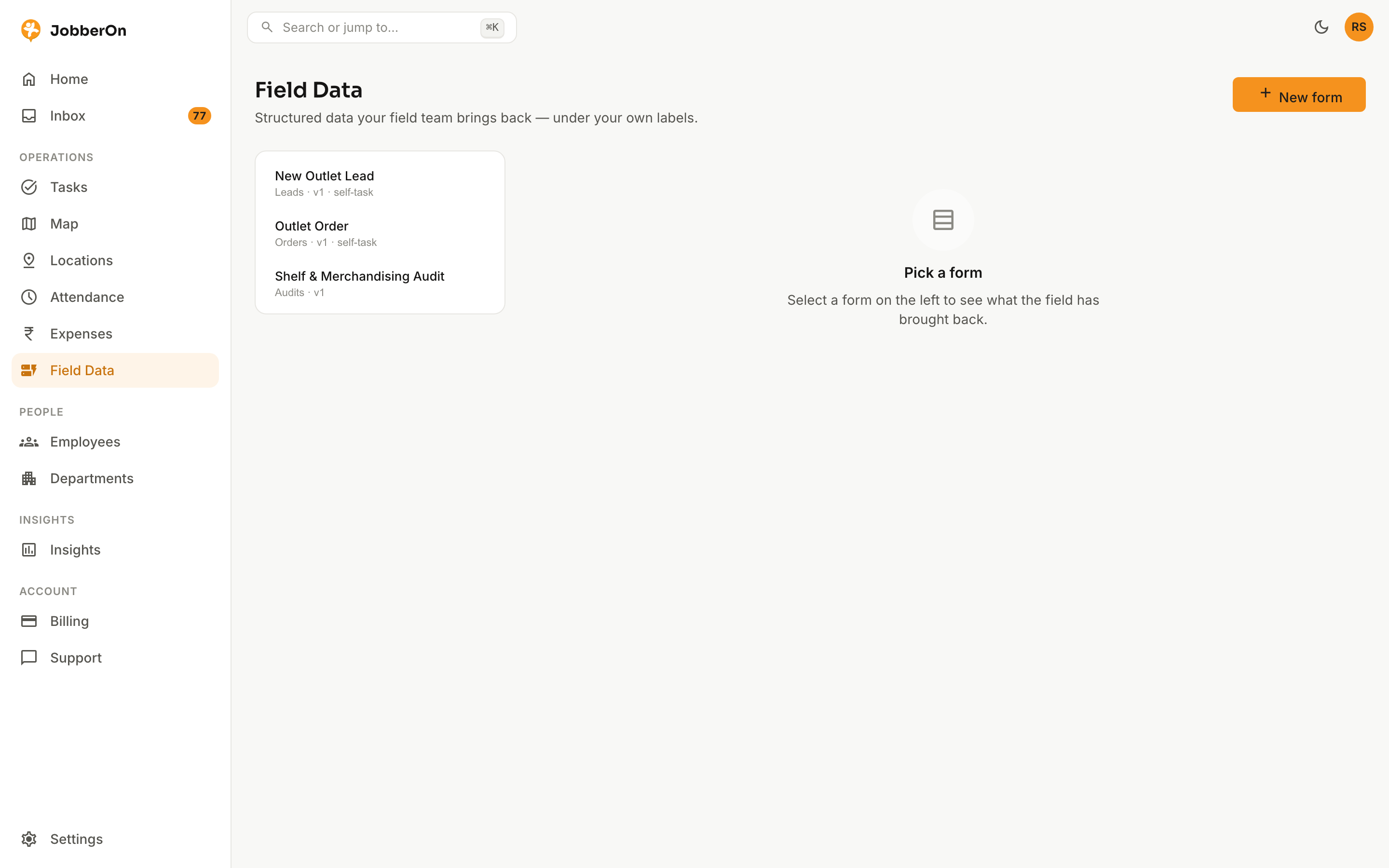
Field Data lets you design the forms your team fills on-site — audits, surveys, lead capture — and see every submission in one table, under your own labels (“Leads — 12 this week”). Export anytime.
How to use it
- 1Open Field Data and click “New form”.
- 2Drag-and-build your fields (text, number, choice, photo, and more).
- 3Publish it — pin it to tasks, or expose it as a self-task type for the field.
- 4Select a form to see its submissions table.
- 5Open a submission to inspect it, or trigger a CSV export.
What you can do
- Drag-and-build form builder with versioning.
- Pin a form to tasks, or make it a self-task type.
- An “item list” field for repeatable rows — up to 3 columns, each one required or optional.
- Submissions table with a peek view.
- Async CSV export jobs.