 JobberOn
People & employees
Manage your roster — invite, edit, deactivate, bulk-import, and assign manager roles.
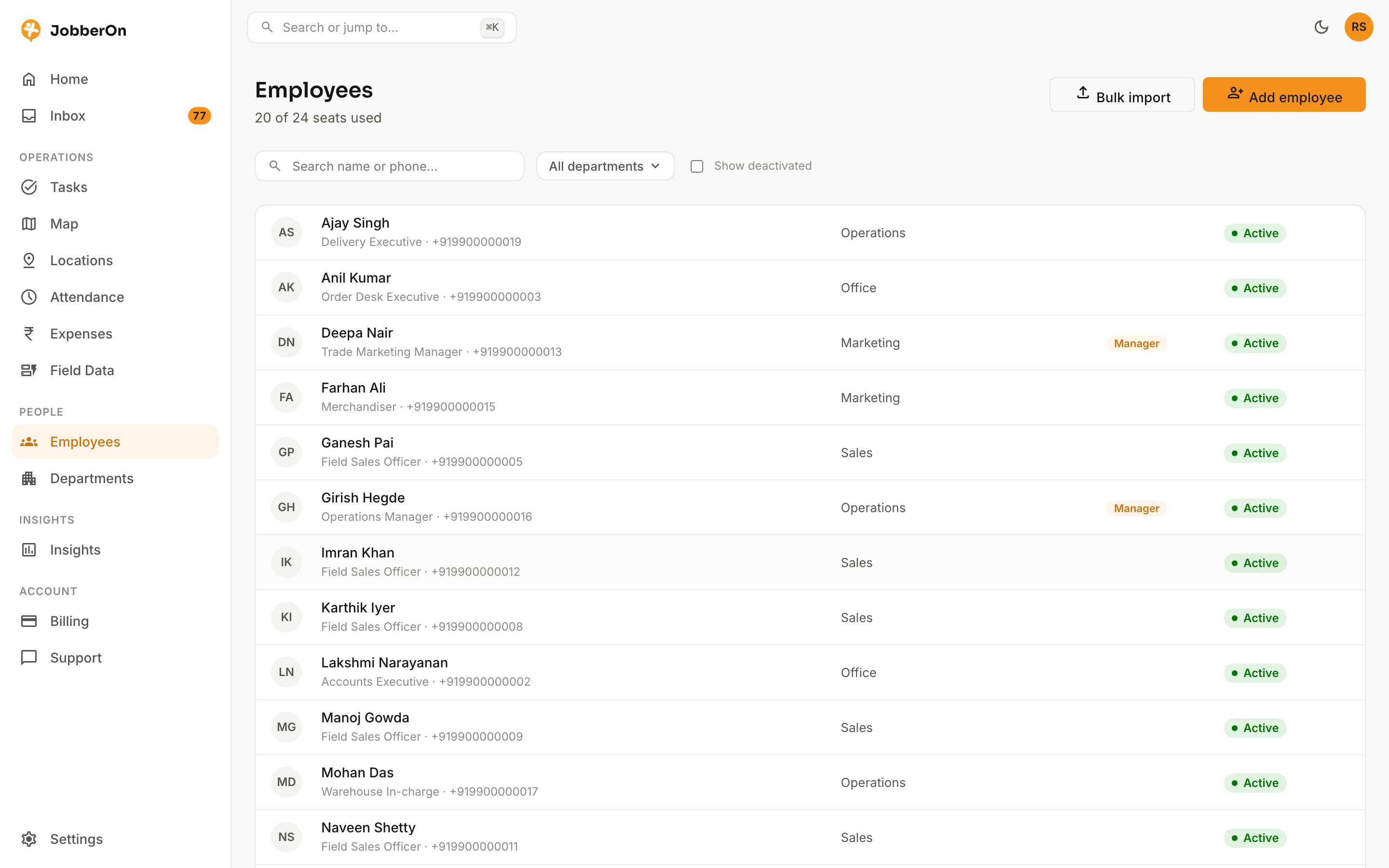
People is your team roster. Add employees one at a time or by CSV, group them into departments, promote someone to manager, and open any profile to see their attendance at a glance.
How to use it
- 1Open Employees.
- 2Click “Add employee”, or use “Bulk import” for a whole team via CSV.
- 3Filter by department; toggle show-deactivated.
- 4Open a profile to see their details and attendance calendar.
- 5Assign a manager role, or deactivate to free the seat.
What you can do
- Add employees individually or by CSV bulk-import.
- Assign a manager role over one or more departments.
- Per-employee attendance calendar.
- Deactivate/reactivate (seat-aware).