 JobberOn
Team & attendance
Manage people, view per-person attendance, and correct or proxy-punch on their behalf.
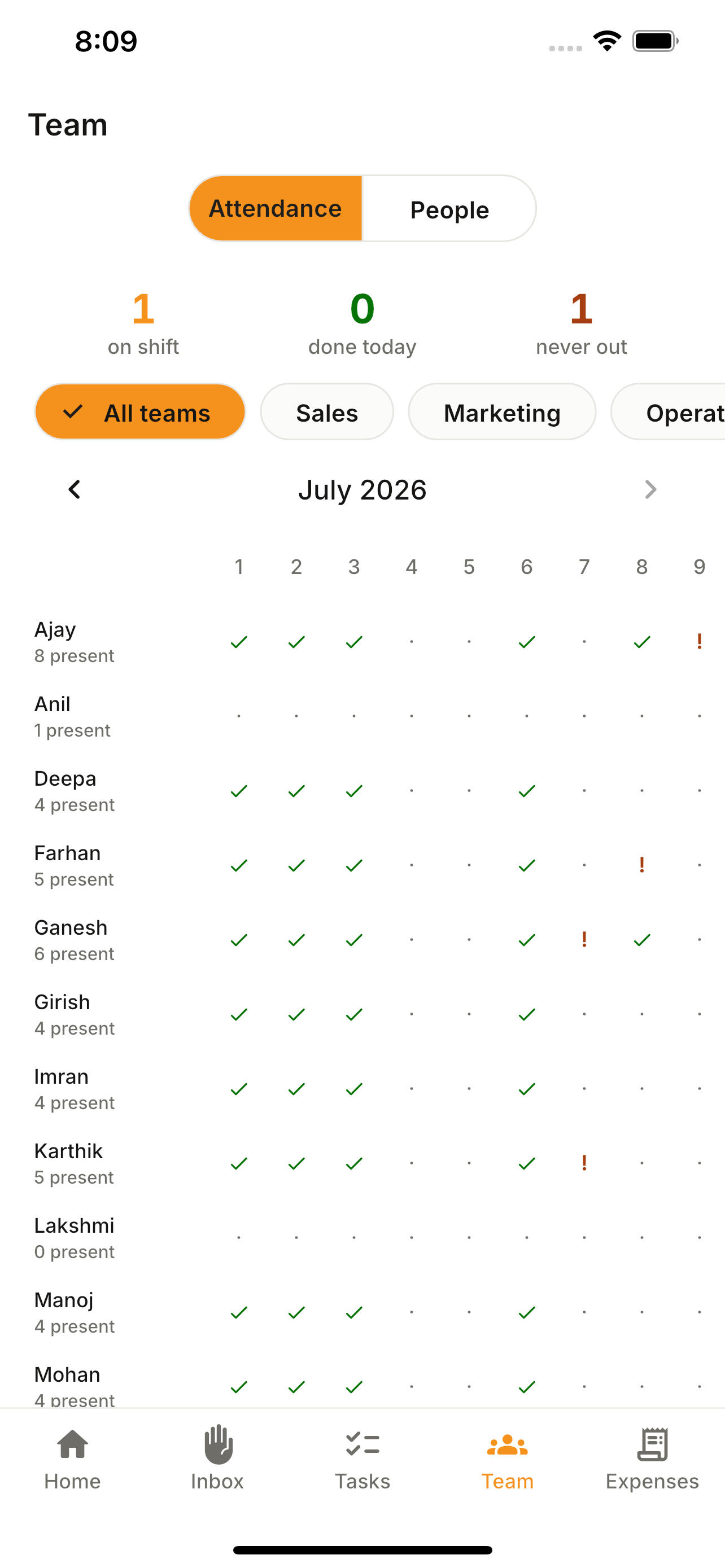
The Team tab is your roster on the go. Open a person to see their month of attendance, fix a punch, or punch on their behalf when a phone dies in the field.
How to use it
- 1Open the Team tab.
- 2Tap a person to open their detail.
- 3View their month attendance calendar.
- 4Edit a punch, or proxy-punch for them.
- 5Add a new employee via the create sheet.
What you can do
- Team roster + add-employee sheet.
- Per-person month calendar.
- Attendance edits and proxy punch.
- View the punch-in/out selfie and GPS behind any record.