 JobberOn
Live field map
A full-screen live map of your field team’s verified positions.
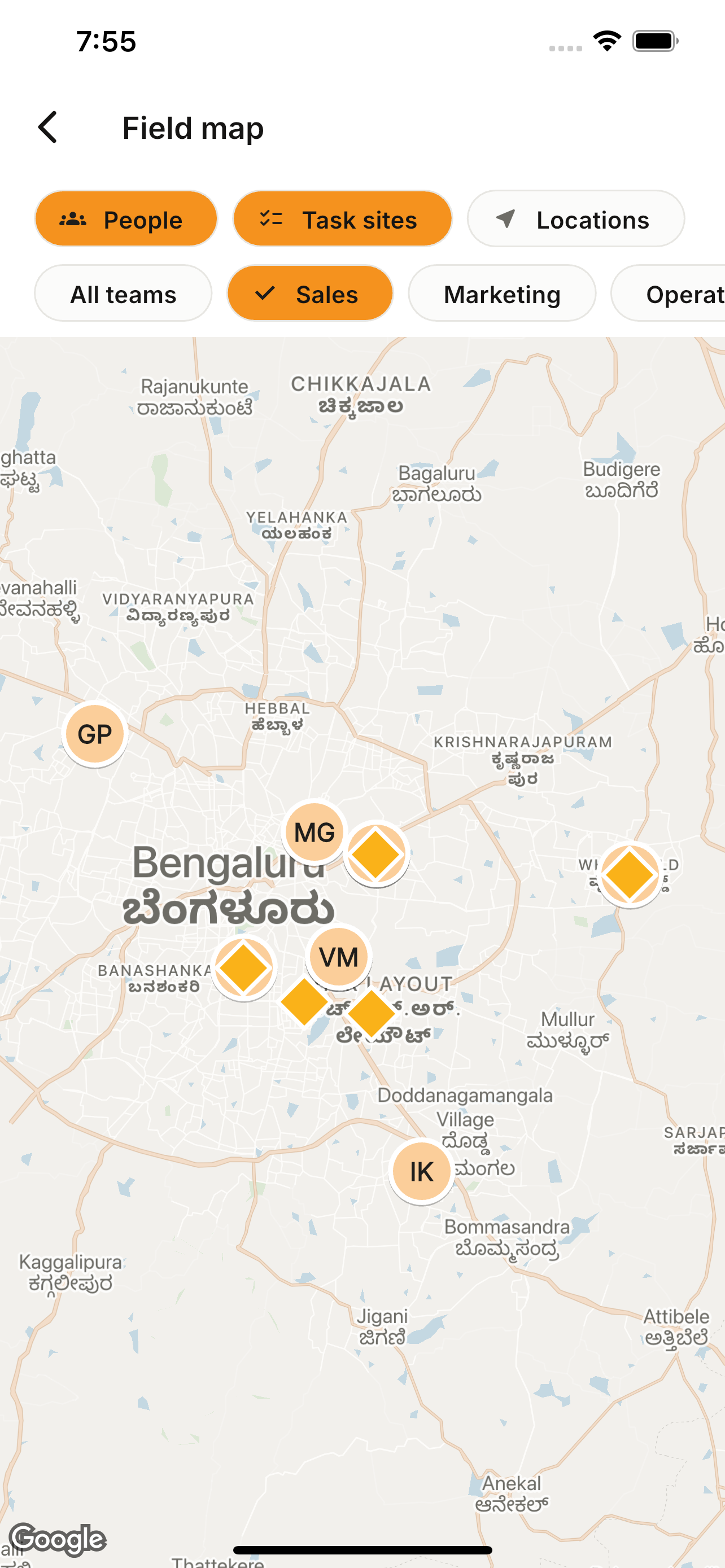
Open the full map to see where the team was last verified. Tap any pin for the person and their current task, and jump straight to their detail.
How to use it
- 1From Home, open the field map.
- 2See pins for each person’s last verified position.
- 3Tap a pin for a person/task sheet.
- 4Navigate to that person’s detail.
What you can do
- Live verified positions.
- Person/task bottom sheets.
- Deep-link to person detail.