 JobberOn
Profile & privacy
Your profile, a plain “what my company sees” page, app info and sign-out.
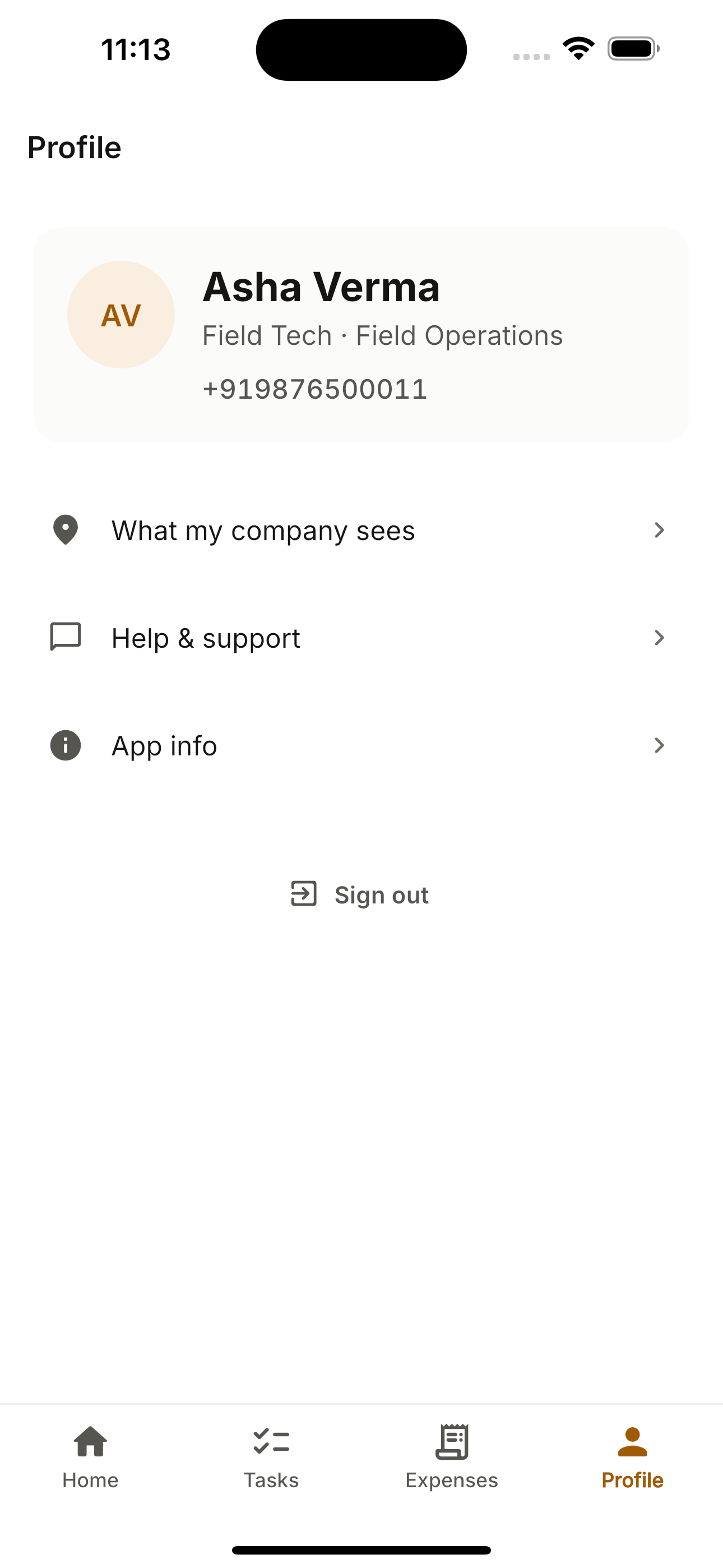
The Profile tab is the worker’s home base for transparency: exactly what the company can see, app version info, and a safe sign-out that warns if anything is still waiting to send.
How to use it
- 1Open the Profile tab.
- 2Tap “What my company sees” for the privacy page.
- 3Check “App info” for the version.
- 4Sign out — with a warning if anything is unsynced.
What you can do
- Profile photo.
- Privacy transparency page.
- Sign-out with unsynced-data warning.