 JobberOn
Create & manage tasks
Create, assign and manage tasks — with voice notes and camera photos — from your phone.
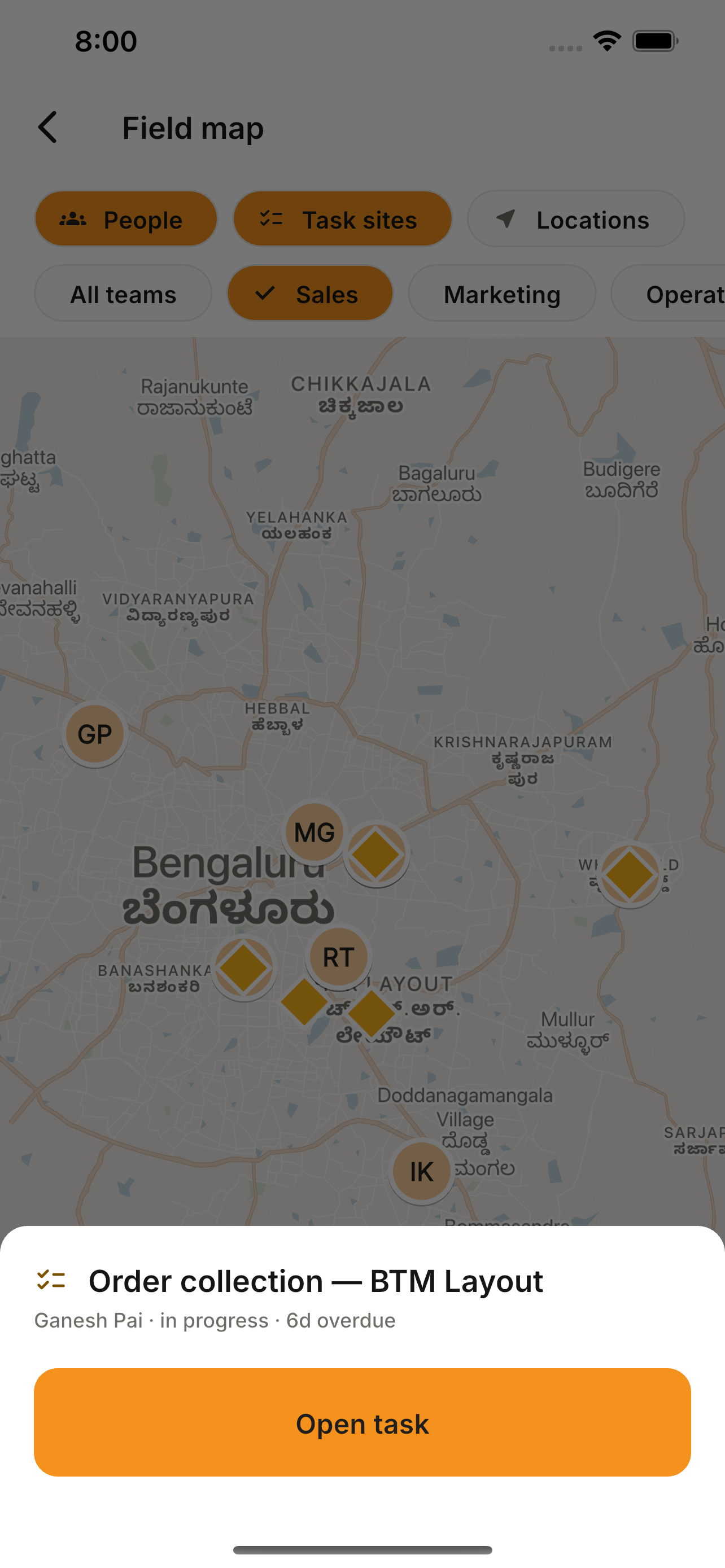
Assign work without opening a laptop. Pick a person, a site and a due date, add a voice note or a quick photo, and the task lands on their phone instantly.
How to use it
- 1Open the Tasks tab and tap “+”.
- 2Choose the assignee, location and due date.
- 3Attach a voice note or capture a photo.
- 4Create — track it on the task timeline.
What you can do
- Assignee, location and date pickers.
- Voice-note recording and playback.
- In-app camera capture.
- Full task detail — description, GPS, photos, form answers, item lists and timeline.
- Export any task as a PDF, straight to your phone’s share sheet.