 JobberOn
Approve expenses
Review and approve or reject expense claims on the go.
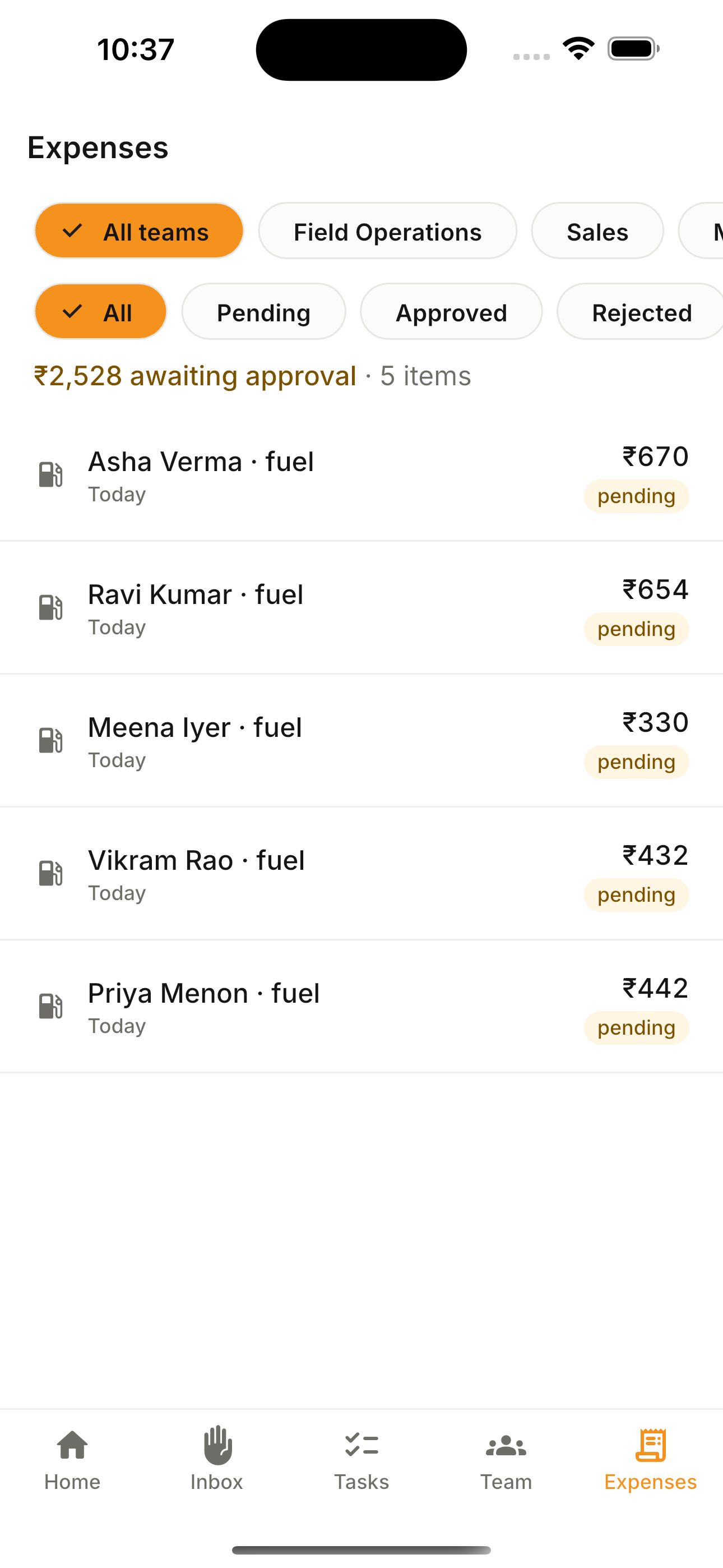
Clear the expense queue from anywhere. Each claim shows the receipt and context; approve or reject in a tap — with the same four-eyes rule as the console.
How to use it
- 1Open the Expenses tab.
- 2Browse the claims.
- 3Tap one to see the receipt and details.
- 4Open the approval sheet and approve or reject.
What you can do
- Browse and filter claims.
- Receipt view.
- Four-eyes approval sheet.