 JobberOn
Notifications
A history of push notifications — tap any to jump to the item.
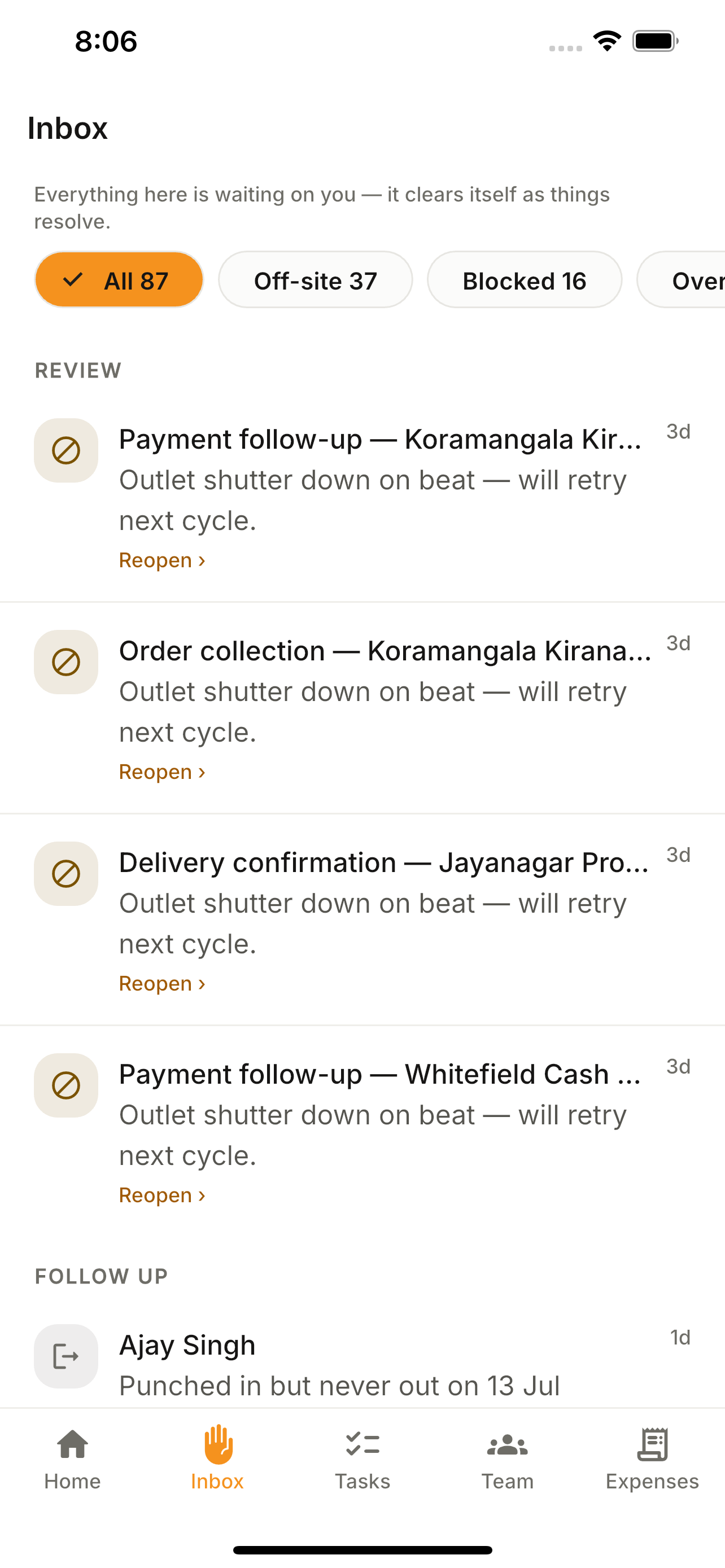
Every push you receive is kept in a feed. Tap one to jump straight to the task, expense or person it’s about.
How to use it
- 1Tap the bell to open Notifications.
- 2Scroll the history feed.
- 3Tap a notification to deep-link to the item.
What you can do
- Push history.
- Deep-link on tap.