 JobberOn
Locations & saved sites
Keep a book of your sites — each with a map pin and a geofence radius.
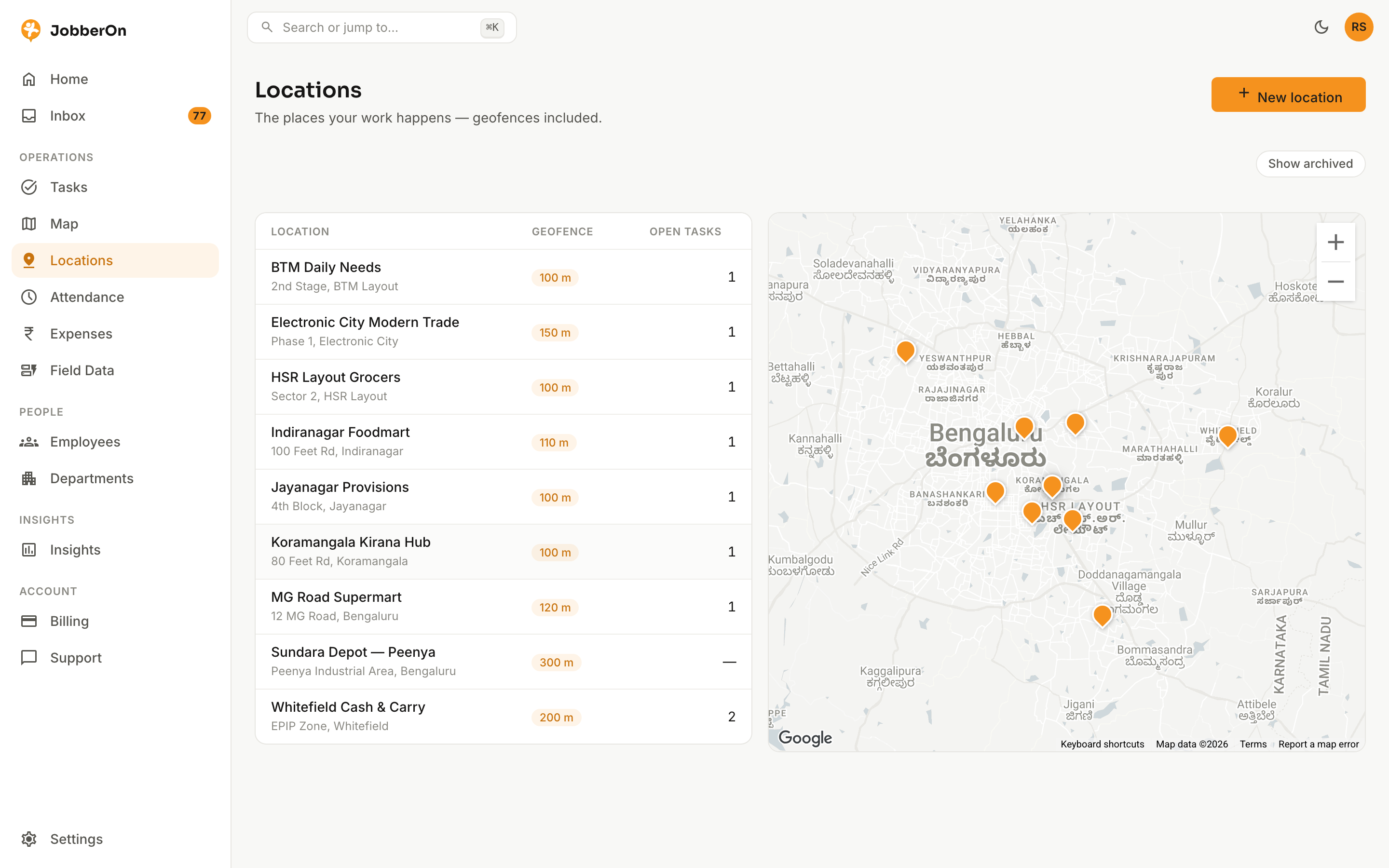
Saved locations are the sites your team visits: outlets, depots, customer premises. Each has a pin and a geofence radius that powers location verification on tasks and punches.
How to use it
- 1Open Locations and click “Add location”.
- 2Search for the place, or drop and drag a pin on the map.
- 3Set the geofence radius — you’ll see a live preview circle.
- 4Save. Open any site to see its activity hub.
- 5Reuse saved sites when creating tasks.
What you can do
- Search a place or drop/drag a pin.
- Adjustable geofence radius with live preview.
- A per-site activity hub.
- Sites feed the task location picker and geofence checks.