 JobberOn
Self-tasks (leads, visits)
Workers start their own tasks from company-defined types — like capturing a new lead.
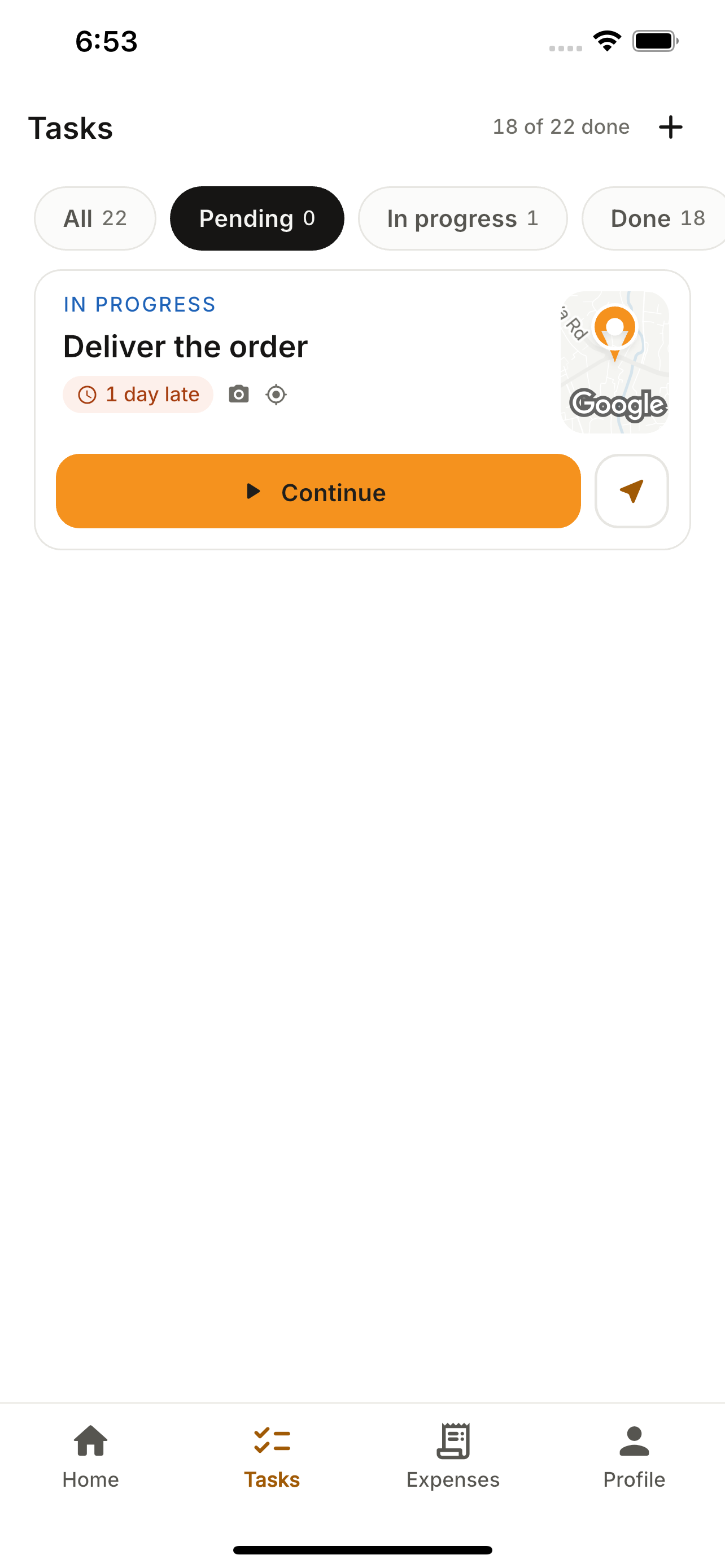
Not all work is assigned. Self-tasks let a worker start a company-defined activity — a lead, a visit, a survey — and fill its form on the spot. Every new company gets a “Lead collection” type out of the box.
How to use it
- 1Open the Tasks tab and tap “+”.
- 2Pick a task type (e.g. “New lead”).
- 3Confirm the details and capture your location if required.
- 4Create — it becomes a task with its form to fill.
What you can do
- Company-defined self-task types (form-driven).
- Optional location requirement.
- Feeds straight into Field Data.