 JobberOn
Do a task with proof
Work through assigned tasks in a guided flow — capture photos, fill a form, complete on-site.
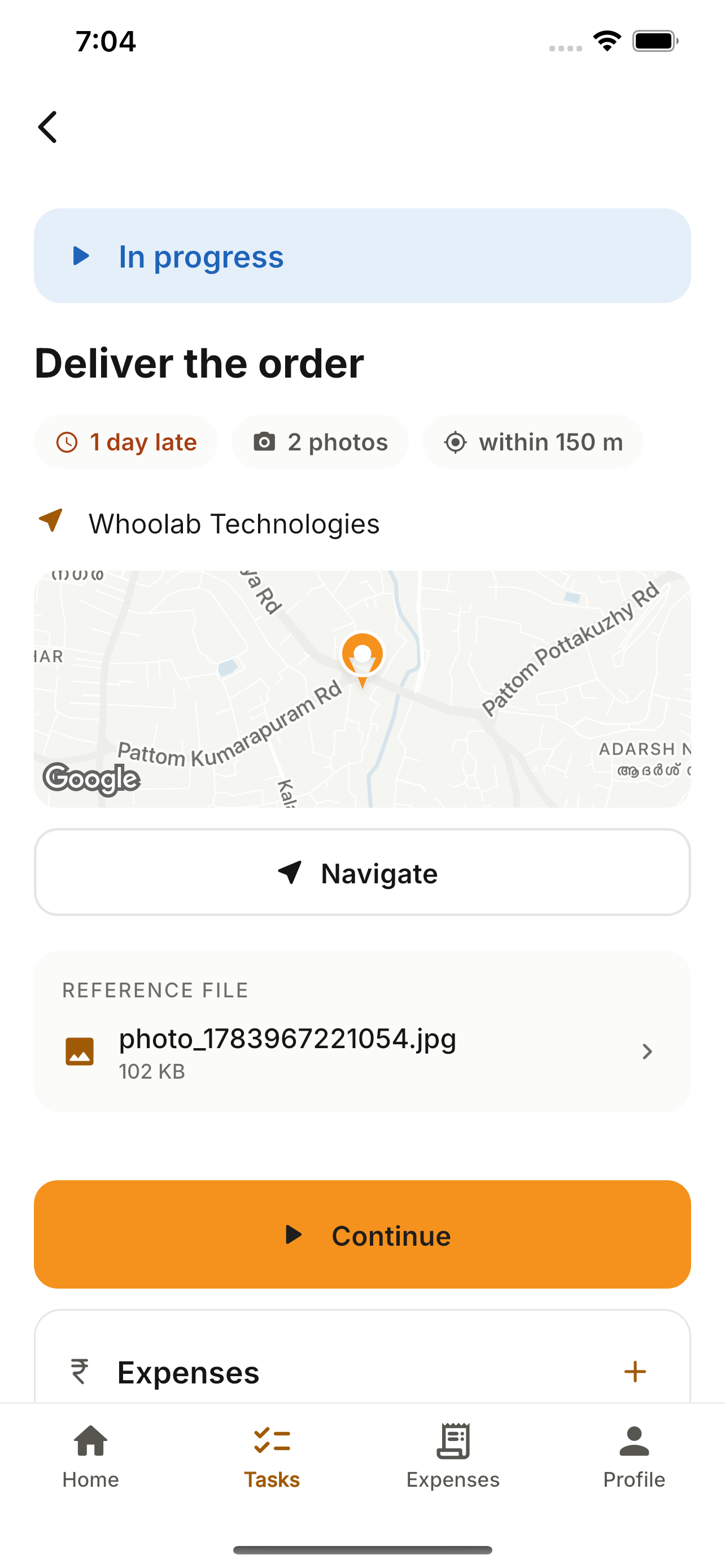
Assigned tasks are a guided flow: start, add evidence, fill the form, complete. Photos are camera-only (no gallery uploads), and completion checks you’re at the site.
How to use it
- 1Open the Tasks tab and pick a task.
- 2Read the details; play any voice note the manager left.
- 3Start the flow: Start → Evidence → Form → Complete.
- 4Capture photos with the in-app camera.
- 5Fill the pinned form (works offline) and complete — the geofence checks your location.
What you can do
- Guided task focus-flow.
- Camera-only evidence (no gallery).
- Your location confirmed with a live map preview before you finish.
- Geofence check on completion.
- Voice-note playback + offline forms.