 JobberOn
Billing & subscriptionAdmin only
Manage your subscription, pay invoices, and turn on auto-pay — with a clear GST breakdown.
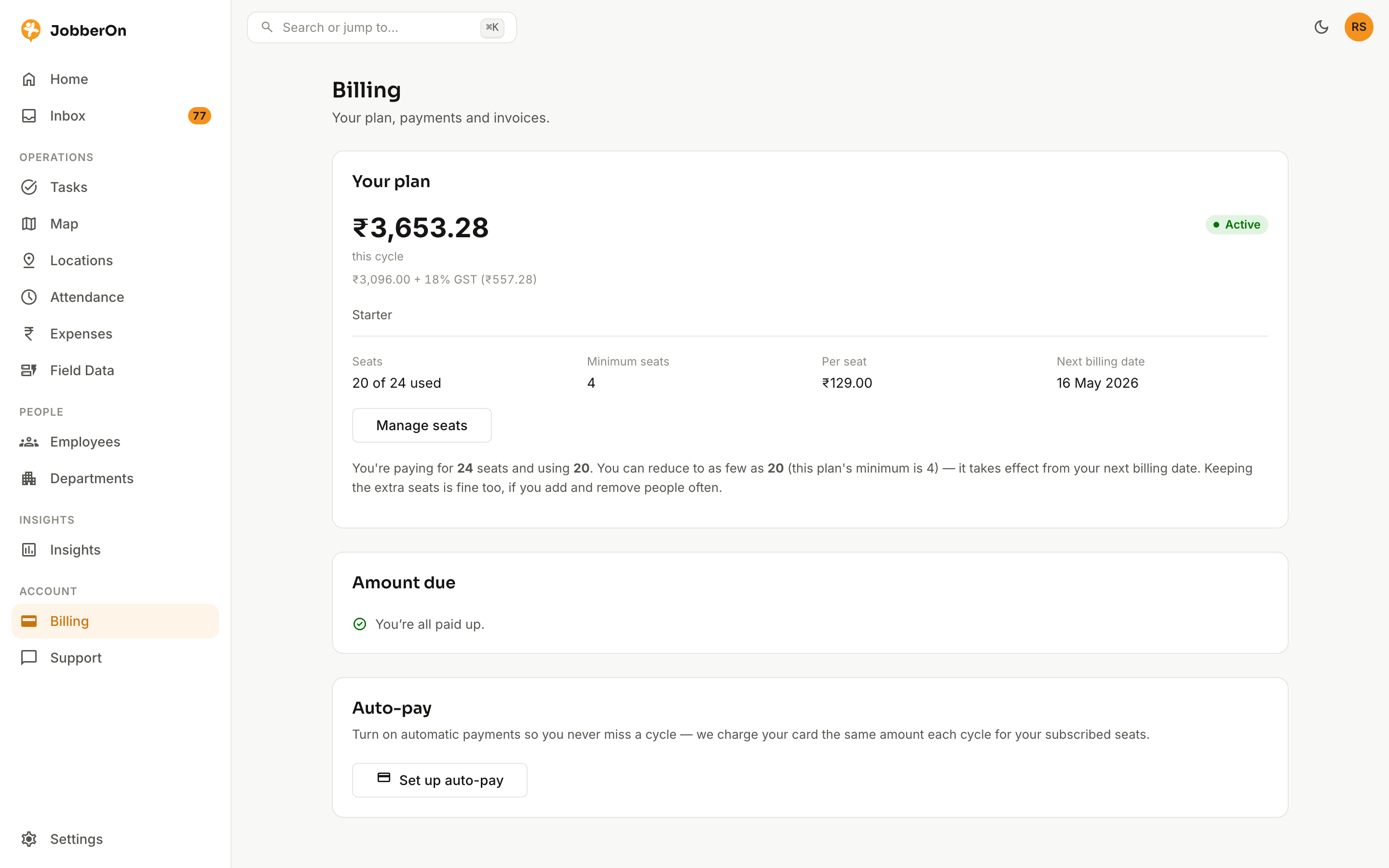
Billing is where admins manage the subscription. Pay an outstanding invoice by card, set up auto-pay so it’s handled for you, and review every invoice with GST broken out.
How to use it
- 1Open Billing from the console (admin) or the Manager app.
- 2See your subscription status and any outstanding invoice.
- 3Pay now via secure checkout, or enable auto-pay.
- 4Review recent invoices with the GST breakdown.
- 5Reactivate or re-authorise if your account needs it.
What you can do
- Pay an outstanding invoice by card.
- Auto-pay via a saved mandate, or pay manually each cycle.
- GST breakdown on every invoice.
- Reactivate / re-authorise flows.