 JobberOn
Submit an expense
Claim an expense from the field with a receipt photo and a category.
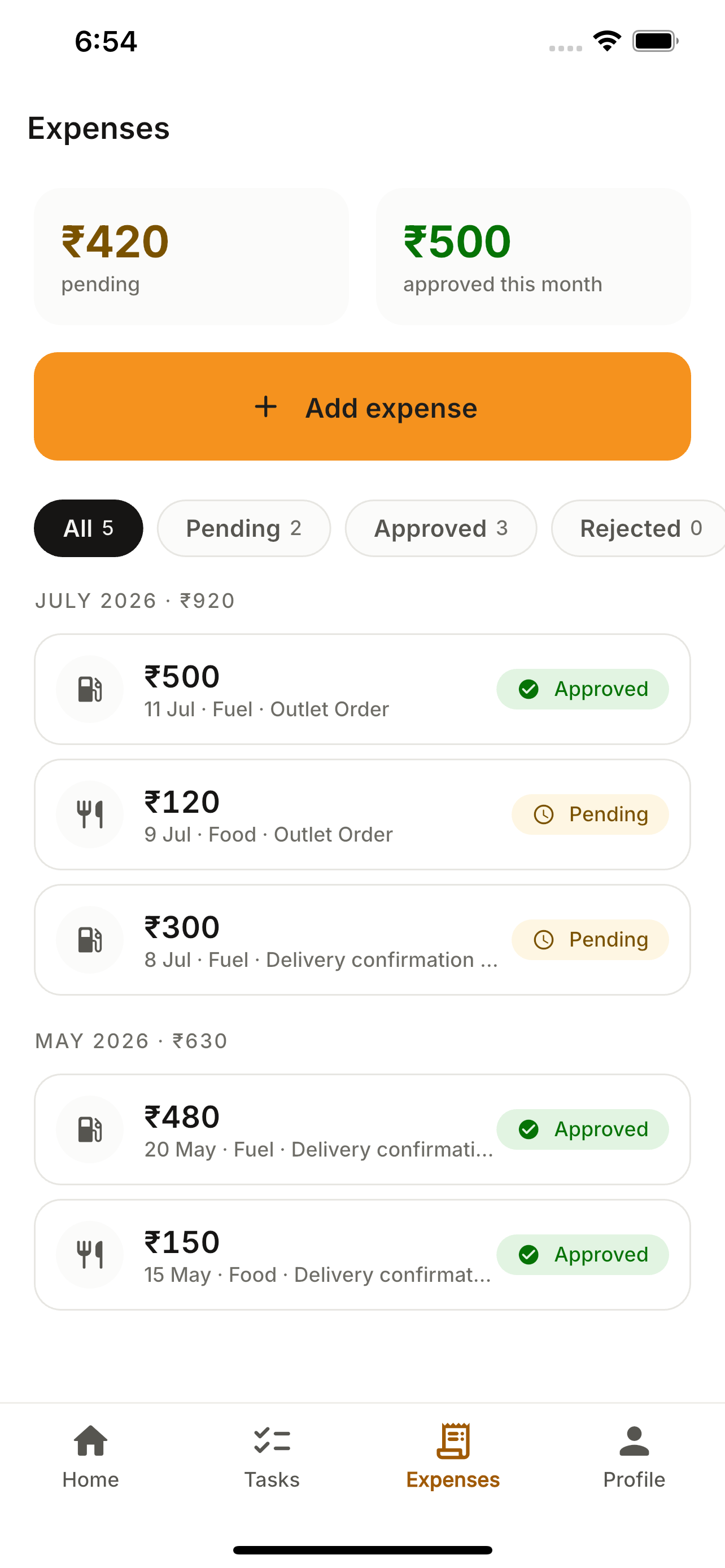
Spent money on the job? Snap the receipt, pick a category, optionally link it to a task, and submit. Track its status from pending to approved.
How to use it
- 1Open the Expenses tab and tap “Add expense”.
- 2Enter the amount and pick a category.
- 3Snap the receipt photo.
- 4Optionally link it to a task.
- 5Submit — track pending / approved / rejected.
What you can do
- Amount, category and receipt photo.
- Link spend to a task.
- Status tracking.