 JobberOn
Punch in & out
Start and end the day with a GPS-verified — and optionally selfie-verified — punch.
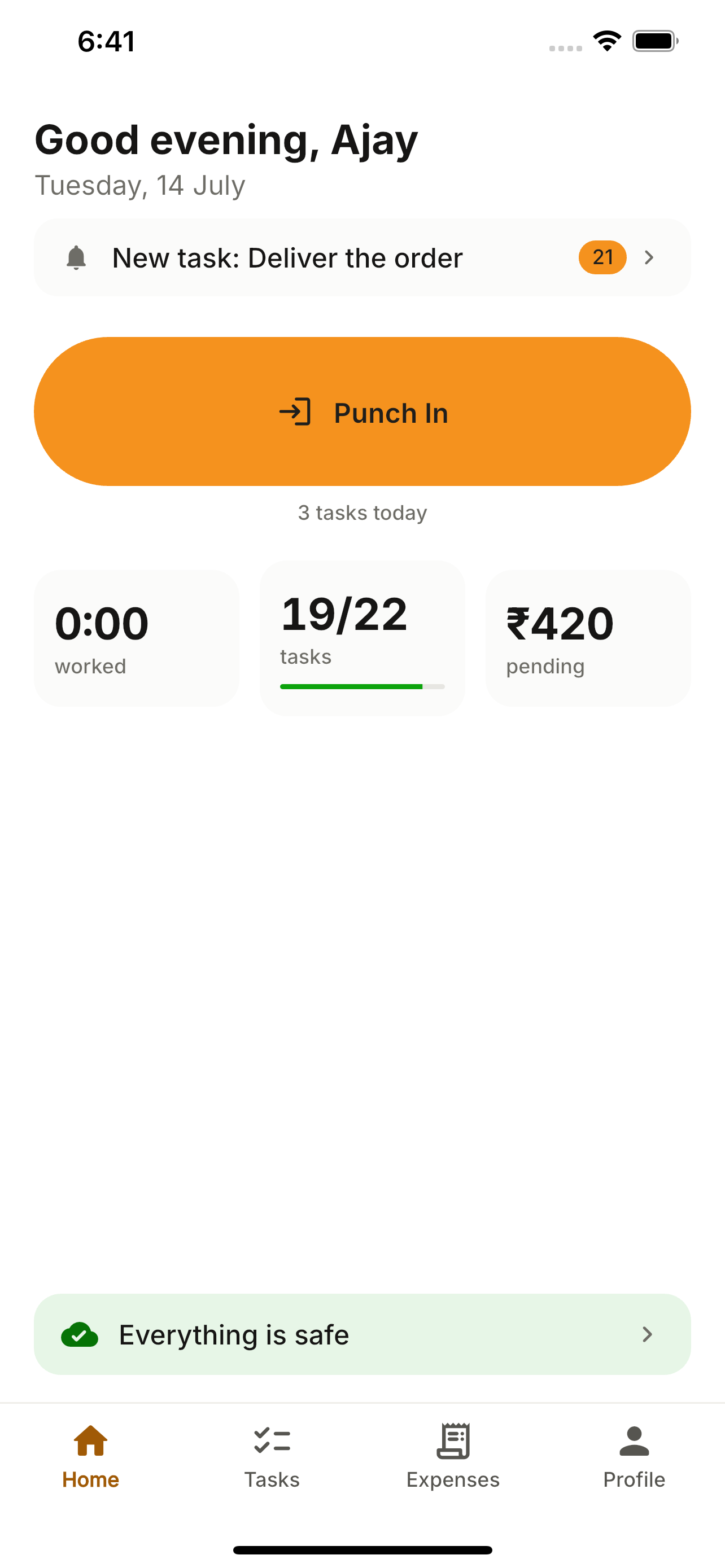
Home is the worker’s day hub. Punching in captures GPS (and a selfie, if the company requires it) so attendance is trustworthy. At day’s end, punch out — Home shows “day complete”.
How to use it
- 1Open Home and tap “Punch In”.
- 2Allow location if prompted — the app captures your position.
- 3Take a selfie if your company requires one.
- 4Confirm the punch.
- 5At the end of the day, tap “Punch Out”.
What you can do
- GPS-verified punch, with a company-set requirement.
- Optional selfie on punch-in and punch-out.
- Never queues a punch the server would reject.