 JobberOn
Works offline — “waiting to send”
Everything captured offline queues and syncs automatically; nothing is ever lost.
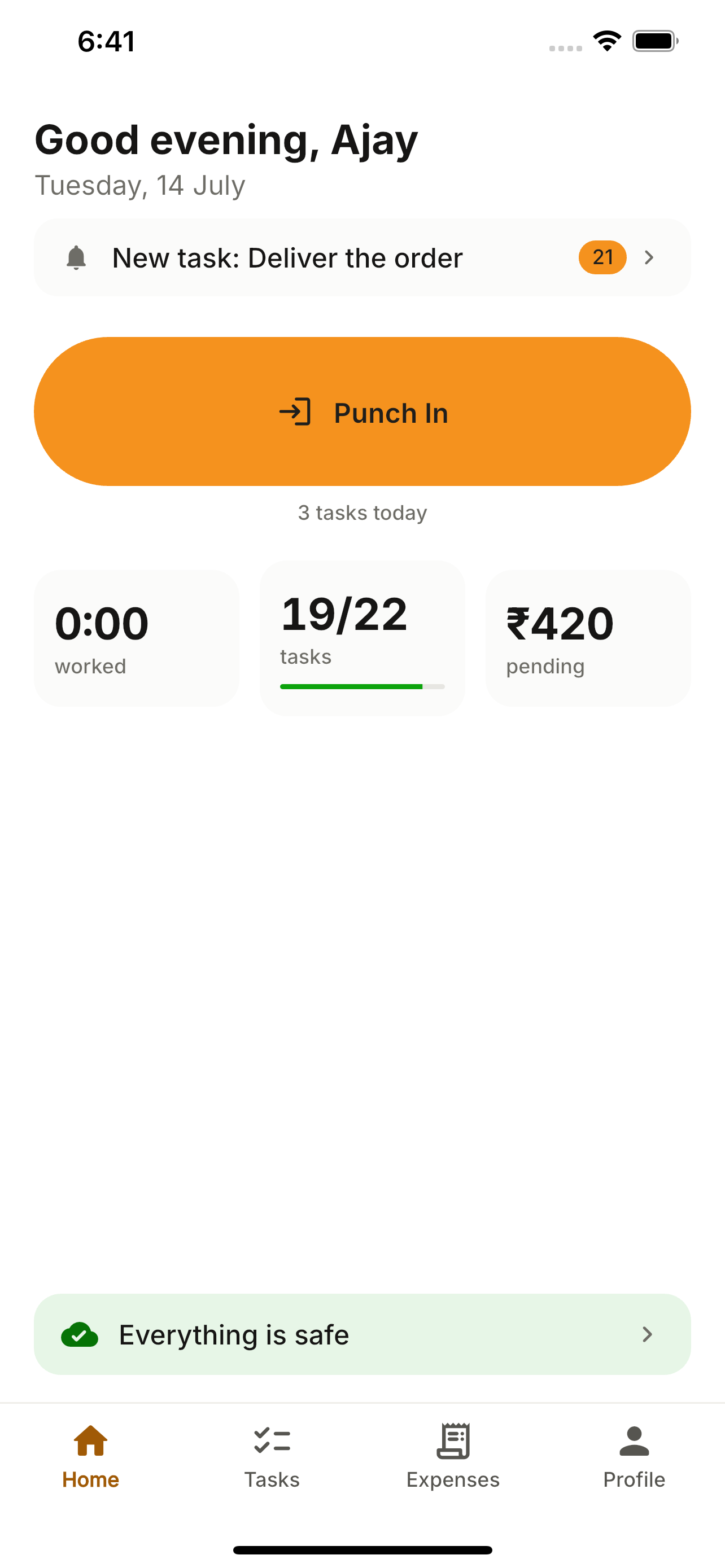
Coverage drops in the field — JobberOn is built for it. Punches, tasks, expenses and form answers are captured offline and sent automatically when you’re back online. You can always see what’s still waiting.
How to use it
- 1Work as normal, even with no signal.
- 2Captured items queue safely on the device.
- 3Tap the Home confidence strip to see “Waiting to send”.
- 4Watch items send themselves when connectivity returns.
What you can do
- Automatic background sync.
- A “waiting to send” list (status-only — never discardable, so nothing is lost).
- Poison-proof: it won’t queue something the server would reject.