 JobberOn
Support tickets
Raise and track support tickets with the JobberOn team, right inside the console.
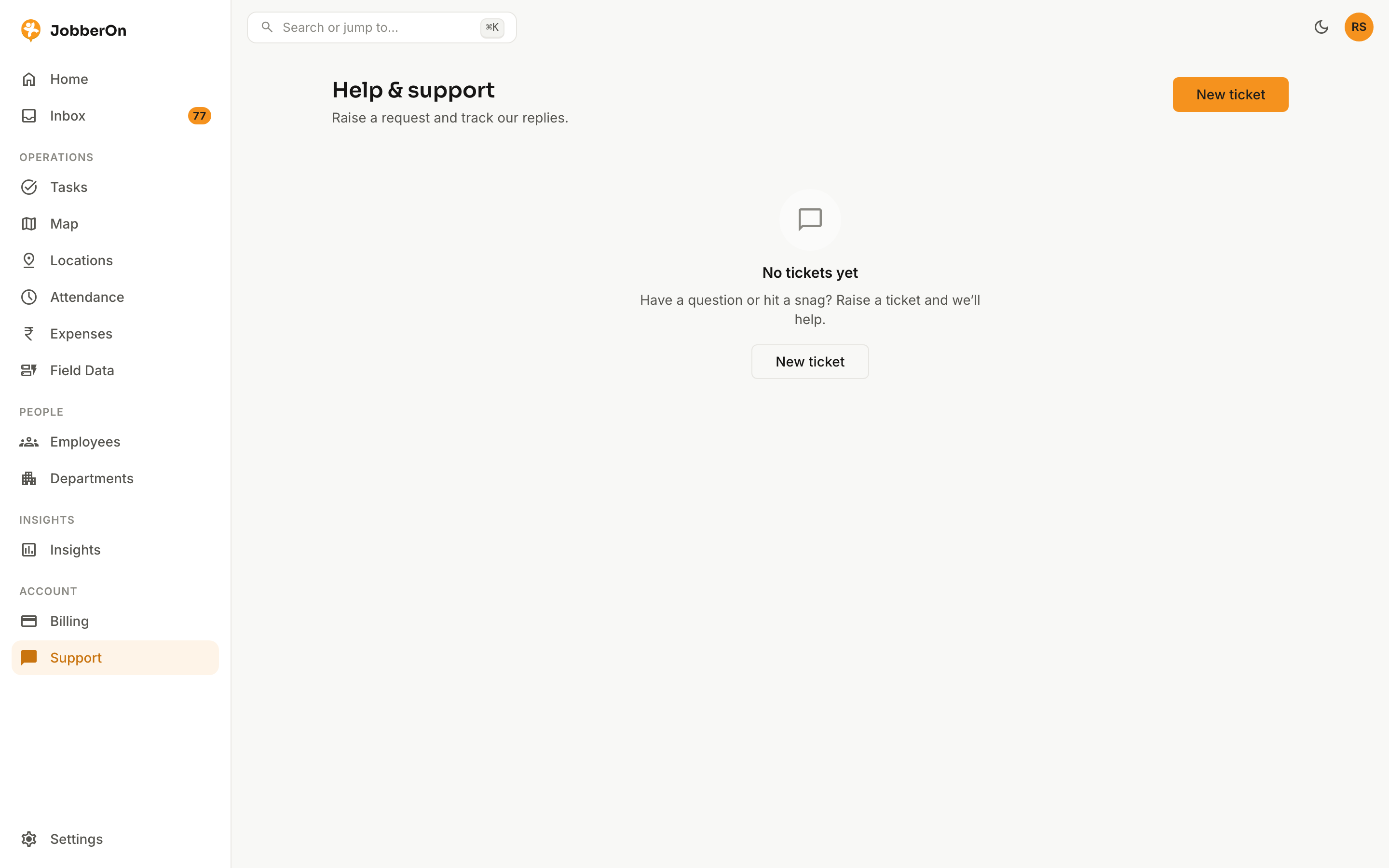
Need help? Raise a ticket from the console and track the conversation in a thread — attachments included — without leaving JobberOn.
How to use it
- 1Open Support from the left nav.
- 2Create a ticket with a subject, message and any attachment.
- 3Track its status in the thread.
- 4Reply as our team responds.
What you can do
- Create tickets with attachments.
- Threaded replies.
- Also available inside both mobile apps.