 JobberOn
Field app: first sign-in & app lock
A field worker signs in, reviews privacy, and secures the app with a PIN or biometric.
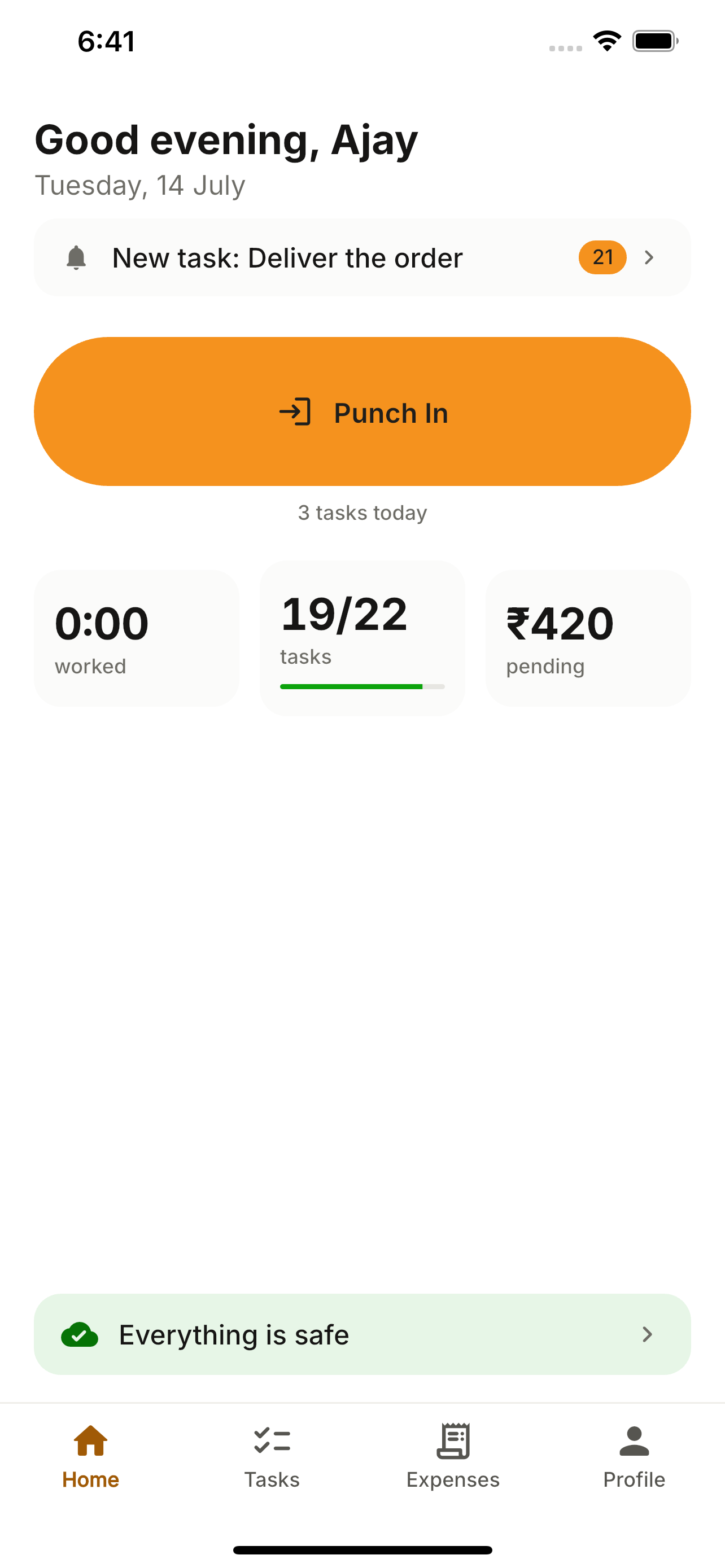
Your field team installs the JobberOn app and signs in with the email and password you set for them. On first run they review what the company can see and lock the app with a PIN or fingerprint/Face ID.
How to use it
- 1Install JobberOn from the App Store or Play Store.
- 2Sign in with the work email and password (the same credentials as the console).
- 3Review the privacy summary — exactly what the company can and can’t see.
- 4Set an app-lock PIN, or turn on biometric unlock.
- 5Land on Home, ready to punch in.
What you can do
- Email + password — no separate OTP to remember.
- A clear, up-front privacy summary.
- PIN or biometric lock protects the whole session.