 JobberOn
Manager Inbox
Your queue of items needing attention or approval — tap to act.
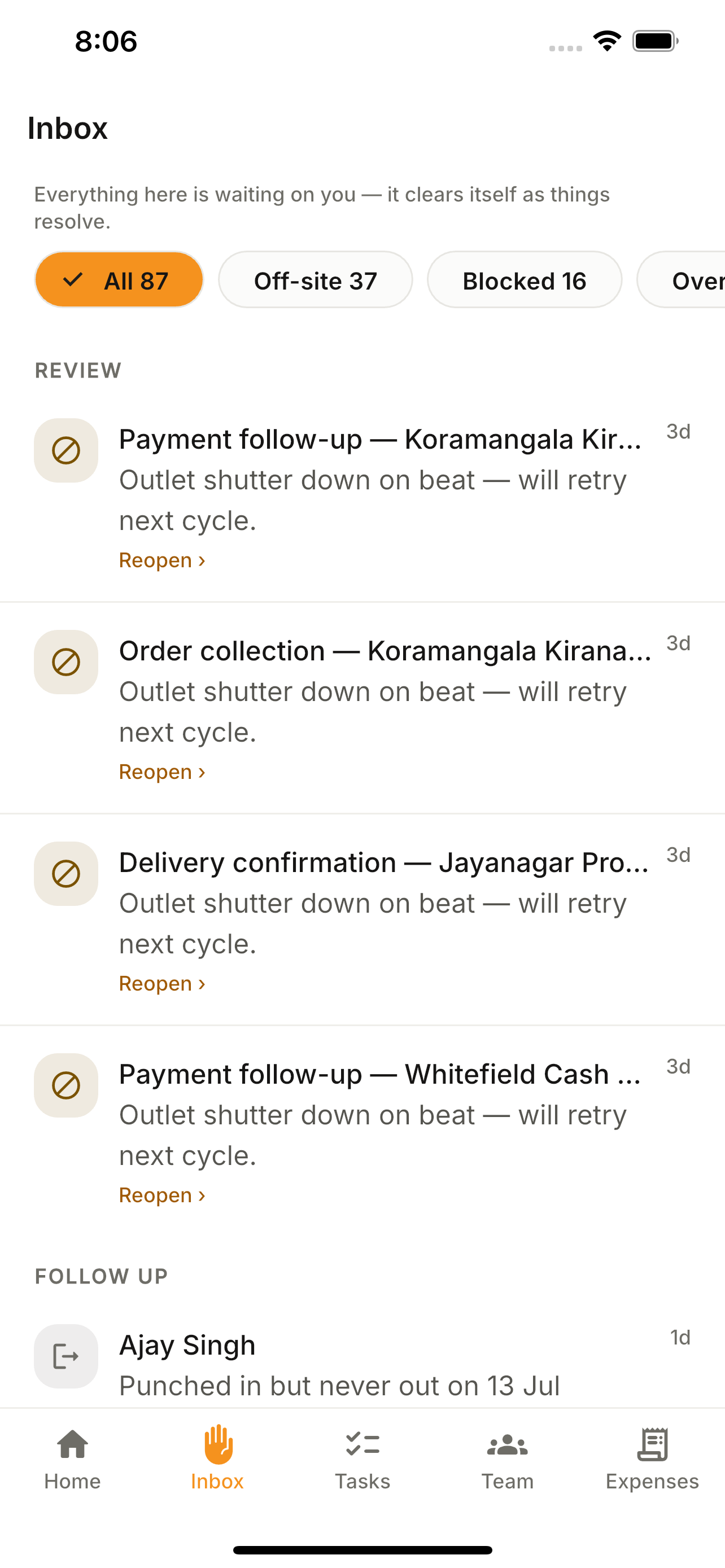
The Inbox tab collects everything that needs your call — flagged tasks and expense claims — and lets you act right from your phone. Push notifications deep-link straight here.
How to use it
- 1Open the Inbox tab.
- 2Review flagged tasks and pending expenses.
- 3Tap a row to open the detail.
- 4Approve, reject or comment.
What you can do
- Unified attention queue.
- Deep-links from push notifications.
- Act on the go.