 JobberOn
Seats & plan changesAdmin only
Add seats or change your plan within the simple, transparent seat rules.
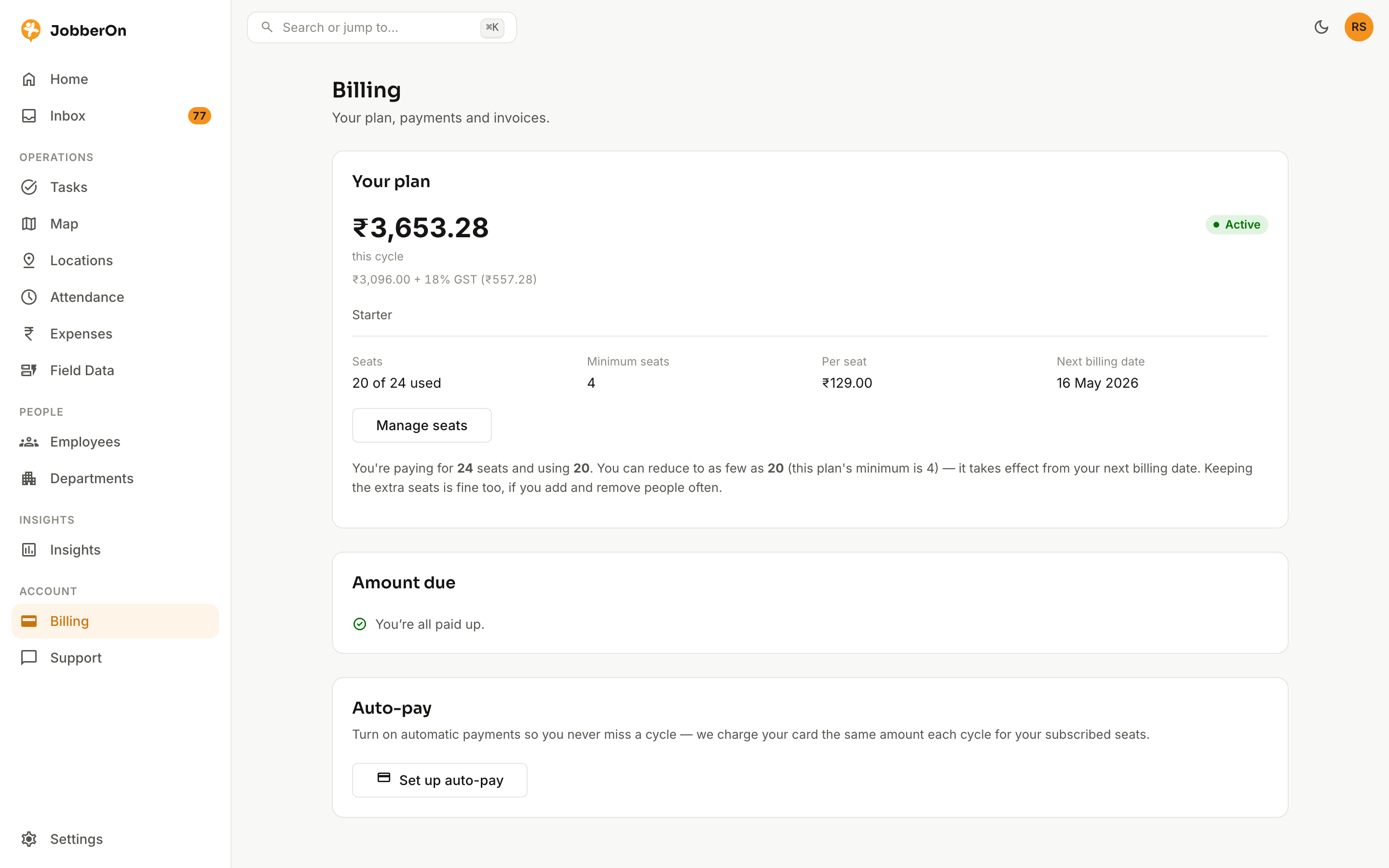
Your subscription is per-seat with a minimum of four. Add seats whenever you grow; reductions take effect from the next billing cycle so you’re never surprised.
How to use it
- 1In Billing, click “Add seats”.
- 2Choose the new seat count (minimum four, at least your seats in use).
- 3Confirm — your card mandate adjusts automatically.
- 4To reduce seats, the change applies from the next cycle.
What you can do
- Add seats anytime (minimum 4).
- Reductions apply next cycle.
- Your introductory price is locked once you subscribe.